
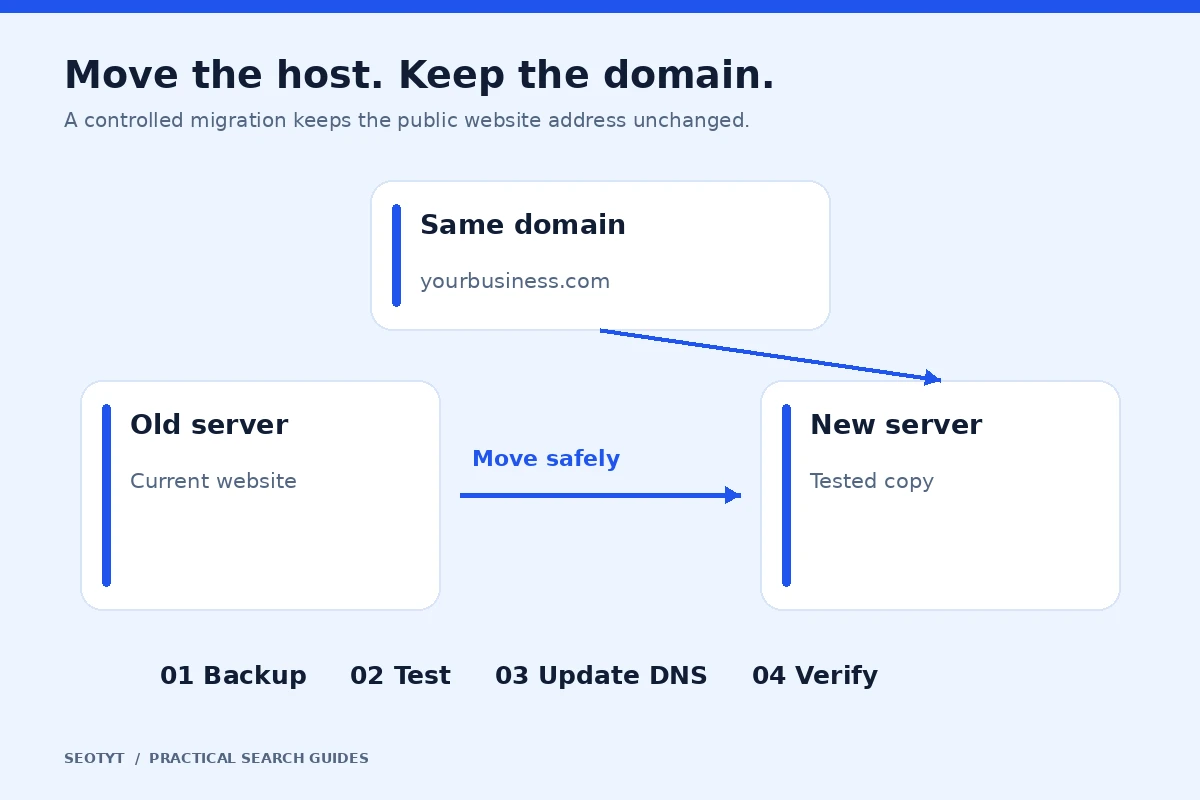
Does changing hosting affect SEO? On its own, no. If your domain, your URLs, and your content stay the same, Google treats it as the same website on a different server. What hurts rankings is what goes wrong during the move: downtime, missing files, lost redirects, or a new server that is slower than the old one.
So the honest answer is that a hosting change is safe when it is planned and risky when it is rushed. This guide explains what Google actually notices, the mistakes that cause traffic drops, and a short list of checks for before and after the move.
What Google Notices When You Change Hosts
When you point your domain to a new server, the IP address changes. Google sees this and may crawl a little more carefully for a few days while it works out how much load the new server can handle. This is normal and it settles without any action from you.
Google does not rank you lower for changing company, changing IP address, or moving to a server in another country. Server location is a very small signal today. A business focused on SEO in Islamabad does not need a server in Islamabad to rank there. What Google does care about is whether pages load, how quickly they load, and whether they return the same content as before.
The Mistakes That Actually Cause Ranking Drops
Almost every traffic drop after a hosting move traces back to one of these problems.
- Downtime during the switch, where the site shows errors for hours or days
- Missing redirect rules, because the old .htaccess or server settings were not copied
- An SSL certificate that was not installed, so visitors see a "not secure" warning
- A "discourage search engines" setting or noindex tag left on from testing
- Missing images or files that were not included in the backup
- A cheaper plan that makes every page slower than before
Redirects deserve special attention. If your site moved from old URLs to new ones in the past, those redirects live in server files. Lose them and every old link pointing to your site breaks at once.
Before You Move
Preparation takes an hour or two and removes most of the risk.
- Take a full backup of files and the database, and download a copy to your own computer
- Copy the site to the new host and test it there before changing any DNS settings
- Compare ten important pages on both servers: content, images, forms, and checkout
- Install the SSL certificate on the new host before the switch
- Lower the DNS TTL value a day earlier so the change spreads faster
- Pick a quiet time, such as late at night, for the actual switch
If you are not comfortable with DNS records and databases, this is a job for a developer. A web development company in Pakistan will normally run the move on a staging copy first, which is the step most do-it-yourself migrations skip.
After You Move
Keep the old hosting account active for at least a week. DNS changes do not reach every visitor at the same moment, and some people and some crawlers will still arrive at the old server for a day or two. If the old account is already cancelled, they see an error page.
Then run these checks.
- Open the site on mobile data, not just office Wi-Fi, to confirm the new server responds
- Test a few old URLs to confirm redirects still work
- Check that robots.txt is the same as before and nothing is blocked
- Submit a contact form and place a test order
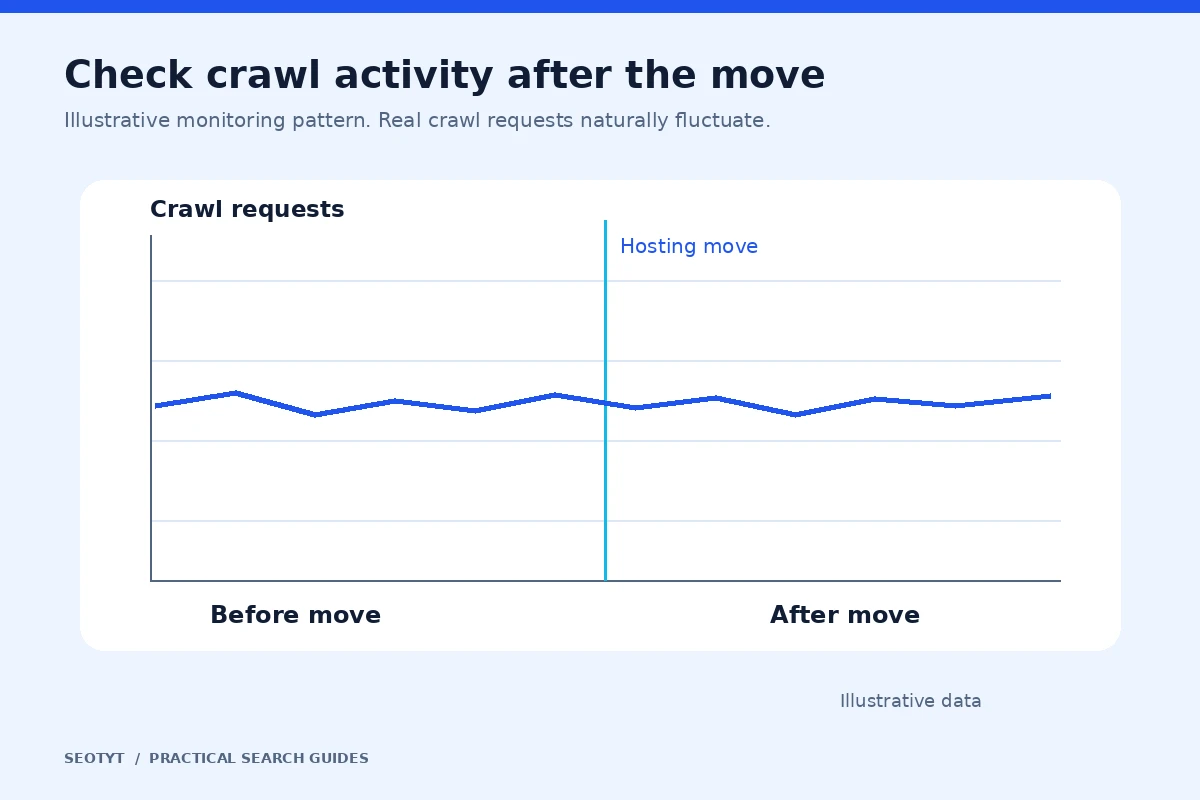
- Watch the Crawl Stats and Pages reports in Search Console for a rise in errors
A few days of slightly uneven crawling is normal. A steady climb in server errors or "not found" pages is not, and needs fixing straight away.
What If Traffic Drops After the Move?
Do not assume the hosting change is the cause. Google rolls out updates through the year, and one of them may simply overlap with your move. Check the date the drop started against the date you switched. If they are a week apart, look elsewhere. A sudden traffic drop checklist helps you rule out the common causes one at a time.
If the drop does line up with the move, compare page speed before and after, look for missing pages, and confirm that nothing is set to noindex. These three checks find the problem in most cases. Anyone who provides SEO services in Pakistan sees this pattern often: the content was fine, and one server setting was not carried over.
Can a Better Host Improve Rankings?
Slightly, and only indirectly. Faster hosting means pages load quicker, visitors stay longer, and Google can crawl more of your site. That helps most on large stores and on sites that were painfully slow before. It will not lift a site with thin content or no links. A good SEO service provider in Pakistan treats hosting as the foundation, not the strategy.
A hosting move is routine work when someone follows a checklist and risky when it is done in a hurry. If you would like the technical side handled alongside your search visibility, talk to a digital marketing agency in Pakistan that covers both development and SEO, so one team owns the whole move.
Frequently Asked Questions
Does changing hosting affect SEO?
Not by itself. If your domain, URLs, and content stay the same, rankings should hold. Problems come from downtime, lost redirects, missing files, or a slower server.
How long should I keep my old hosting after moving?
Keep it active for at least a week. DNS changes take time to reach everyone, and some visitors and crawlers will still reach the old server for a day or two.
Will a new IP address hurt my rankings?
No. Google expects IP addresses to change when sites move hosts. It may adjust how fast it crawls for a short time, then return to normal.
Does server location matter for SEO?
Very little. A server closer to your visitors can load slightly faster, but location is a minor signal compared with content, links, and overall speed.
What should I check first if traffic drops after a hosting move?
Check for server errors, missing redirects, a noindex setting left on from testing, and slower page speed. Also confirm the drop did not start with a Google update instead.