
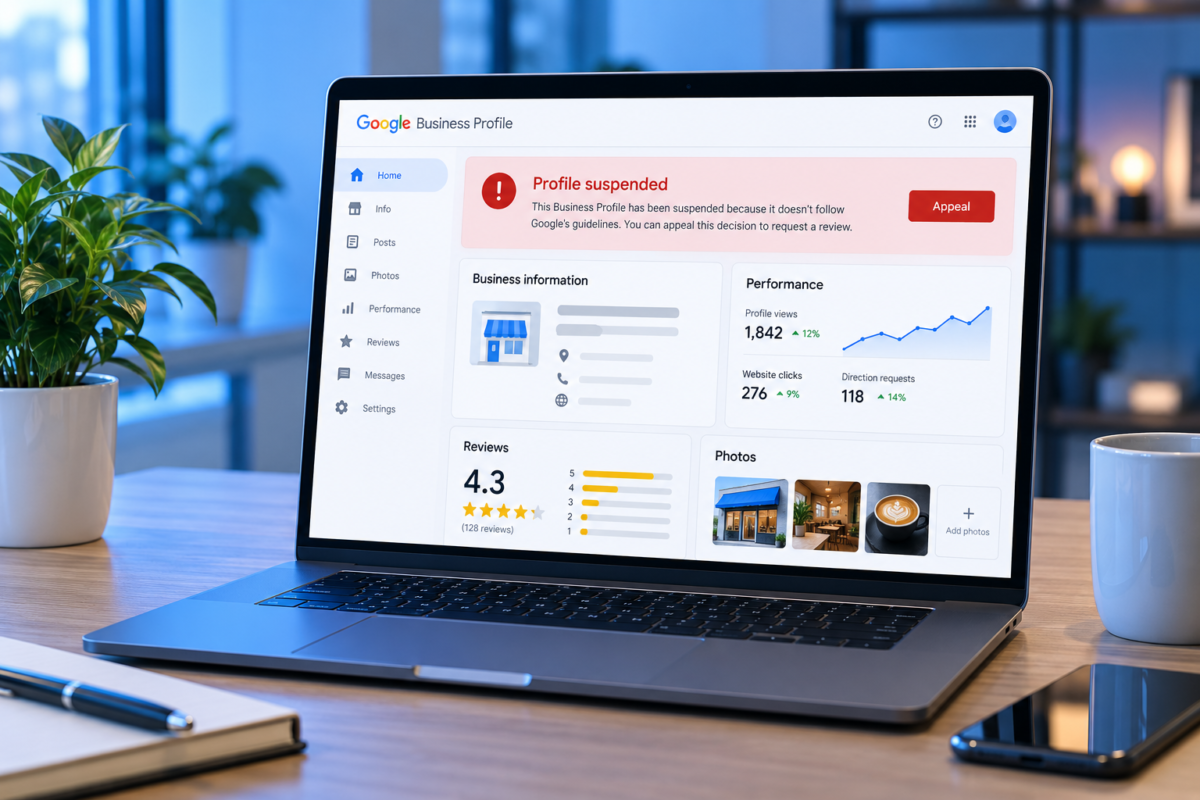
If you have just seen a Google Business Profile suspended notice, your listing has either disappeared from Maps or stopped accepting edits, and calls may have dropped the same day. Most suspensions can be reversed. Google suspends a profile when something about it looks like it breaks the rules, and reinstates it when the owner fixes the issue and proves the business is genuine. The most important point: fix the cause before you appeal.
Two Kinds of Suspension
With a soft suspension, the profile may still appear on Maps, but you cannot manage it, reply to reviews, or change details. With a hard suspension, the listing is removed from Maps, often with its reviews hidden. The appeal process is the same for both, but a hard suspension usually means Google has stronger doubts about whether the business is real or eligible.
Common Reasons Profiles Get Suspended
- Keywords added to the business name, such as "Ali Electronics Best LED TV Shop Karachi"
- A virtual office, shared desk, or home address shown as a public storefront
- A service area business showing its home address instead of hiding it
- Duplicate profiles for the same location, often created by a former employee or agency
- Several big changes at once, such as name, address, and category together
- A business type that is not eligible, such as an online-only shop with no customer contact
- Unusual review activity, including bought reviews or review swaps
Step 1: Fix the Cause First
Read your profile the way a Google reviewer would. Make the business name match your signboard and registration papers exactly, with no extra words. If customers do not visit you, hide the address and use service areas. Remove or merge duplicate listings. Check that the category describes what you actually are. Google reviews the profile as it stands when you appeal, so appealing before fixing the problem usually fails.
Check Who Has Access Before You Appeal
Before appealing, open the Users section of the profile and see who is listed. Old agencies, former staff, or a freelancer who set the listing up years ago often still have manager or owner rights. Remove anyone who should not be there, then make sure the main owner is an account you control. Many strange edits and duplicate listings trace back to access nobody remembered granting. Reviewing profile access every few months is basic housekeeping for any local SEO services provider in Pakistan.
Step 2: Gather Evidence
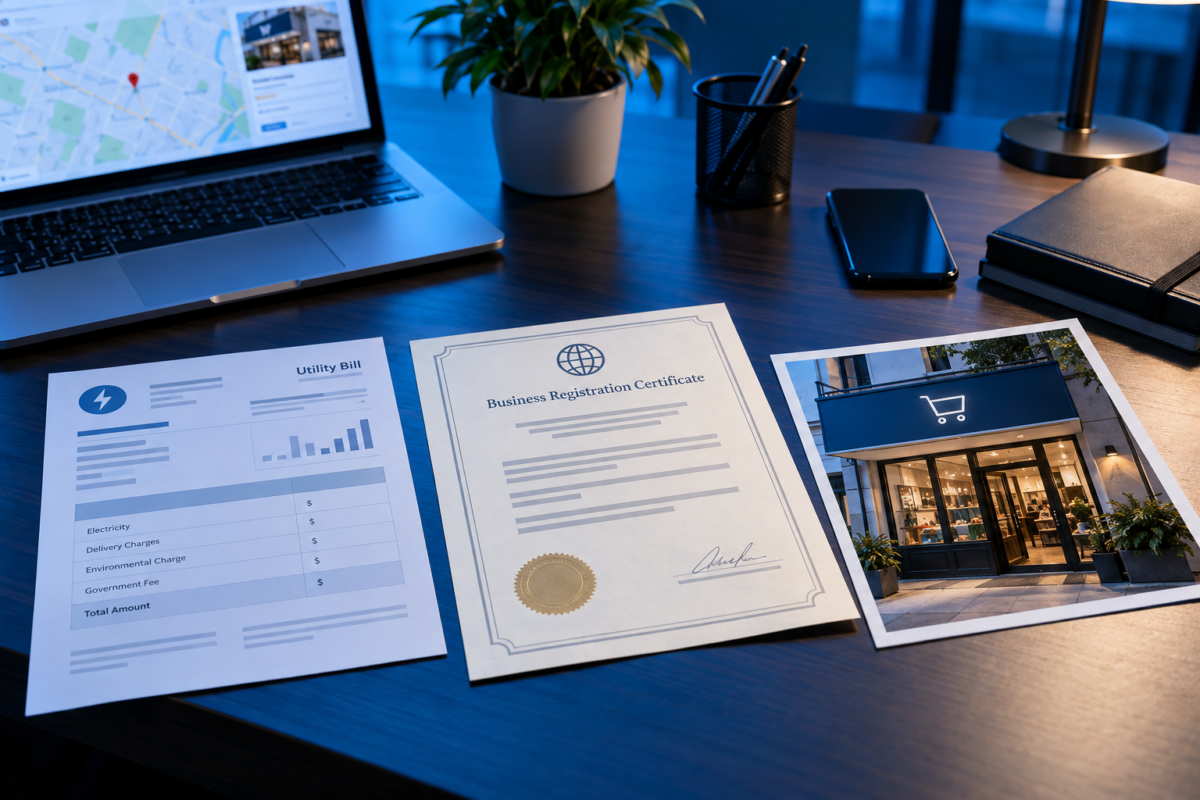
Google wants proof that the business exists at the address you claim and operates under the name you use. Useful evidence includes:
- A clear photo of permanent exterior signage showing the business name.
- A photo of the street or building showing the address or a nearby landmark.
- A recent utility bill in the business name at that address.
- Registration documents, such as SECP incorporation papers, an NTN certificate, or a trade licence.
- A photo inside the premises showing equipment, stock, or a working office.
Make sure the name on every document matches the name on the profile.
Step 3: Submit the Appeal
Sign in with the Google account that owns the profile and open it from Google Search or Maps. You should see a notice with an option to appeal. Follow the steps, upload your evidence, and explain briefly and factually what was wrong and what you changed. Long emotional messages do not help.
Submit one GBP appeal per profile and wait for the reply. Filing several appeals for the same listing can slow things down. Google usually replies by email, and Google Business Profile reinstatement can take anywhere from a few days to a few weeks depending on the case.
If the Appeal Is Rejected
Read the rejection carefully, since it often hints at what is still wrong. Fix that issue, gather stronger evidence, and appeal again. If the business genuinely does not qualify, for example an online-only store with no customer contact at the address, the profile will not come back. In that case your effort is better spent on your website and other channels.
Beware of Paid "Recovery" Offers
When a profile goes down, owners often get messages from people promising to restore it through "contacts at Google" for a fee. A real digital marketing agency in Pakistan will never claim that, and will never ask for your password. Google does not sell reinstatements, and giving account access to a stranger can make things much worse. Use the official process, and never share your Google password. If someone helps you, add them as a manager instead.
How to Avoid Suspension in Future
- Change one detail at a time and keep documents ready for any address change
- Keep the business name exactly as it appears on your signboard
- Limit owner and manager access, and remove former staff and agencies
- If an SEO service provider in Pakistan manages the listing, agree in advance who may change what
- Ask customers for honest reviews and never buy them
- Keep hours accurate, including Ramadan, Eid, and public holidays
Next Steps
If Google asks you to verify the business again after reinstatement, be ready to record a short video of the premises and signage. If you would rather not handle the appeal yourself, profile audits and suspension recovery are part of our SEO services in Pakistan.
Frequently Asked Questions
1. Why was my Google Business Profile suspended without warning?
Suspensions are often triggered automatically when something looks like a guideline breach, such as keywords in the name, a virtual office address, or several major edits at once.
2. How long does reinstatement take?
It varies from a few days to a few weeks, especially if Google asks for more evidence.
3. Will I lose my reviews?
Reviews are usually restored if the profile is reinstated, although a hard suspension hides them until then.
4. What documents help an appeal?
Photos of permanent signage and premises, a utility bill in the business name, and registration papers such as an NTN certificate or trade licence.
5. Should I create a new profile instead of appealing?
No. Creating a new listing while the old one is suspended often makes things worse. Fix the issue and appeal the original profile.